
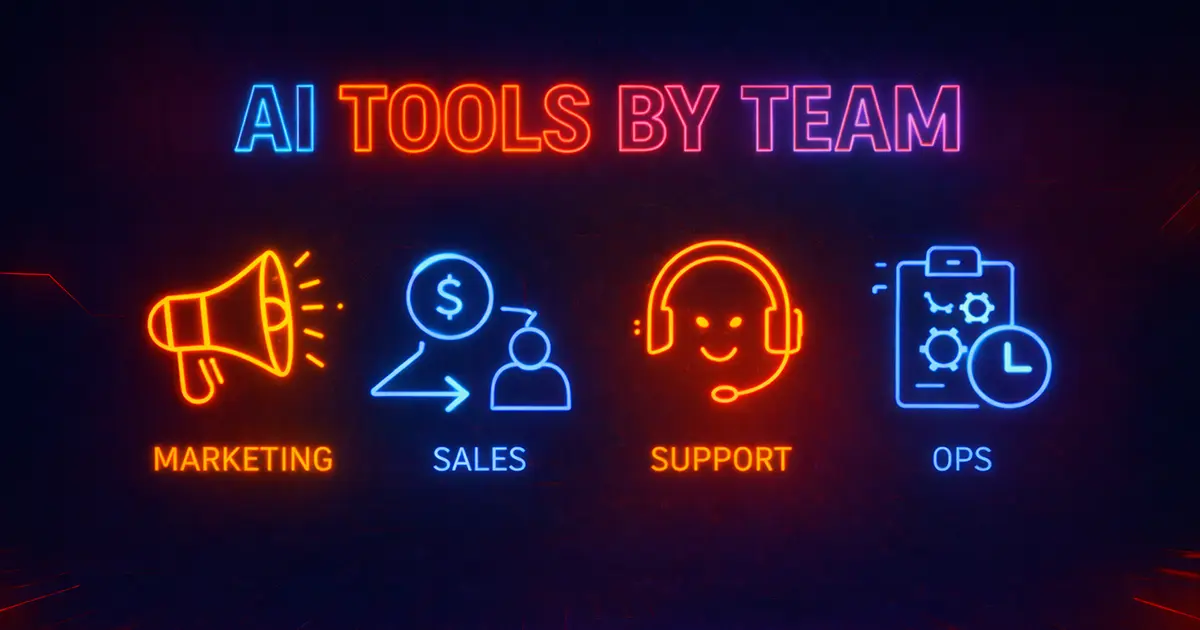
AI tools work best when they match a team’s real workflow – not when everyone buys the same “all-in-one” platform. This guide maps the best AI tool categories by team in 2026 (Marketing, Sales, Support, Ops), with practical stacks you can adopt fast, plus governance notes so you stay compliant and cost-controlled.
AI tools by team – practical stacks for marketing, sales, support, and ops
Quick summary
- Assign tool roles: one “creation” tool, one “system of record”, and one “automation layer” per team.
- Marketing needs speed + quality control – sales needs research + personalization – support needs knowledge + handoff – ops needs approvals + audit logs.
- Standardize governance: data rules, retention defaults, and human review for customer-facing outputs.
- Measure ROI by team: time saved, pipeline lift, resolution time, and error reduction – not “tokens used”.
Quick pick: small business (one stack that covers most teams)
Jump to the SME starter stack →Start with one chatbot/platform for drafting and analysis, one automation platform, and the right category tools per team. Add stricter governance only where risk is higher.
Quick pick: client-facing teams (support + sales)
Jump to Support stack →Use tools that support citations, clean handoff to humans, and clear logging. Customer-facing outputs should be reviewed or constrained by templates.
SME starter stack (covers most teams)
If you are a small team, you do not need 20 tools. Start with a simple “core stack” and add specialist tools only when a team hits a bottleneck.
Core stack (the baseline)
Goal: one reliable AI platform for drafting/analysis, one automation layer, and a few role-specific tools.
- Do: standardize prompts and templates across teams.
- Do: assign owners per tool and review usage quarterly.
- Avoid: buying overlapping tools with the same role.
AI tools by team (recommended stacks)
Each team needs different tools because success metrics are different. Marketing needs publish velocity and quality. Sales needs pipeline lift. Support needs resolution speed and accuracy. Ops needs reliability, approvals, and auditability.
Marketing team stack
Primary goal: ship content faster without lowering quality or brand voice.
- Planning + SEO: AI SEO tools and content brief generators.
- Drafting: AI writing tools for briefs, outlines, and long-form drafts.
- Design + creatives: AI image generators for ads and assets.
- Video: AI video editors or AI video generation for faster production.
- QA: human review + style rules + publish checklist.
What to avoid: publishing factual claims without sources or review. Do not let “one-click SEO” replace strategy.
Sales team stack
Primary goal: better personalization and faster follow-up without spammy outputs.
- Research + messaging: an AI platform for account research and call prep. (See AI platforms.)
- Outreach workflows: sales outreach tools for personalization and deliverability checks.
- Email drafting: AI email writers with tone and approval controls.
- CRM assist: CRM copilots for summaries and next steps.
- Governance: ban sensitive data in prompts and require review for high-stakes messages.
What to avoid: sending AI-written emails without human review, especially cold outreach. That is how you burn domain reputation.
Support team stack
Primary goal: faster resolution with fewer escalations – and clean handoff when AI is unsure.
- Customer-facing bot: AI chatbots with RAG + guardrails and escalation rules.
- Knowledge base: RAG and internal docs workflow. (See RAG for business.)
- Meeting + call notes: AI meeting assistants for transcripts and summaries.
- Quality control: citations, approved sources, and “I don’t know” behavior.
- Governance: keep PII safe and log decisions for high-risk cases.
What to avoid: bots that confidently guess. Support needs verifiable answers and fast human handoff.
Ops team stack
Primary goal: reliable workflows, fewer manual steps, and audit trails.
- Automation layer: automation platforms with human-in-the-loop checks.
- Agents (carefully): AI agents platforms for multi-step tasks with approvals.
- Docs + parsing: document AI tools for extraction, invoices, and structured outputs.
- Governance: AI governance templates + retention rules + access control.
- Cost control: cost optimization and quarterly vendor review.
What to avoid: letting agents take actions without approvals. Automate low-risk steps first and expand only when quality is proven.
How we evaluate AI tools by team
Testing – 2026A tool is only “best” if it improves the team’s real KPI. We score tools by workflow fit, integrations, and governance – not just output quality in a demo.
Does it match how the team works day-to-day (draft, approve, ship)?
Docs, CRM, Helpdesk, Slack, CMS, and clean exports.
Retention, roles, audit logs, and training opt-out where needed.
Consistency at scale, not just one perfect output.
Time saved, pipeline lift, resolution speed, and error reduction.
Team-to-tools mapping table (quick shortlist)
Use this table to pick the right category pages to explore next. The goal is to avoid overlap and assign clear roles to tools per department.
| Team | Top categories | Typical stack | Risk note |
|---|---|---|---|
| Marketing | Writing, SEO, briefs, image, video | Brief tool + writer + optimizer + QA | Human review for claims and brand safety |
| Sales | Outreach, email, CRM copilots | Research + personalization + CRM summaries | Avoid spam outputs and protect domain reputation |
| Support | Chatbots, RAG, meeting assistants | RAG bot + escalation + knowledge base | Prefer citations and “I don’t know” behavior |
| Ops | Automation, agents, document AI | Automation platform + approvals + logging | Never let agents take actions without approval |
Tip: standardize prompts, naming, and approval rules across teams. This makes governance simpler and lowers training time.
How to choose AI tools for each team (5-point checklist)
Use these checks to pick the right tools without overbuying. If a tool does not improve a measurable KPI, it is probably overlap.
1) KPI
- What metric must improve?
- Time saved, pipeline, resolution time, errors.
2) Role
- Creation vs optimization vs automation.
- Avoid buying multiple tools with the same job.
3) Integrations
- CRM, helpdesk, Docs, CMS, Slack.
- Exports and audit trail.
4) Governance
- Retention, no-train options, access controls.
- Approval rules for risky outputs.
5) Proof
- Run a 2-week pilot.
- Decide with outcomes, not excitement.
Workflow recipes (plug-and-play)
Use these recipes to implement AI in a way that fits each team. Each recipe keeps a human in the loop where it matters.
Marketing content engine
- Brief in brief tools → draft in writing tools.
- Optimize in AI SEO tools → QA → publish.
- Repurpose in video editors or video generation.
Sales outbound system
- Research account → generate 2–3 variants → human picks one.
- Send through approved outreach tools with deliverability checks.
- Summarize replies into CRM using CRM copilots.
Support knowledge base loop
- Build RAG KB → serve answers with citations.
- Escalate when uncertain → human resolves.
- Feed resolved cases back into KB (approved sources only).
Ops automation pipeline
- Automate low-risk tasks in automation platforms.
- Add approval for risky actions.
- Use document AI to extract structured fields.
Frequently Asked Questions
What are the best AI tools by team in 2026?
It depends on the team KPI. Marketing needs writing + SEO + briefs. Sales needs outreach + email + CRM copilots. Support needs chatbots + RAG + escalation. Ops needs automation + approvals + logging.
Should every team use the same AI platform?
A shared AI platform can help standardize prompts, but each team still needs specialist tools. The best setup is one shared workbench plus team-specific category tools.
What is the biggest mistake when buying AI tools for teams?
Tool overlap. Teams buy multiple tools that do the same role, then adoption drops and cost increases. Assign clear roles per tool: create, optimize, automate.
Which team benefits fastest from AI?
Marketing and support often see the quickest wins: faster publishing and faster resolution. Sales ROI is strong when messaging quality stays human and deliverability is protected.
How do I keep sales AI from becoming spammy?
Use AI for research and variant drafting, but require human review before sending. Use deliverability checks and avoid overly generic templates.
What is the safest way to deploy AI in support?
Use RAG-based chatbots with approved sources, citations, and a clean handoff to humans. Avoid bots that guess or answer without evidence.
Do ops teams need AI agents?
Not necessarily. Start with automation platforms and approvals. Add agents only for multi-step tasks after quality and governance are proven.
How do I govern AI across teams?
Use a simple policy, a data classification rule, a vendor checklist, and approval rules for risky outputs. Start with AI governance templates.
What should we measure to prove ROI per team?
Marketing: time-to-publish and performance. Sales: pipeline and reply rates. Support: resolution time and escalation rate. Ops: error reduction and cycle time.
How often should we review our AI stack?
Quarterly, or after major model/tool updates. Remove overlap, tighten governance where needed, and keep only tools that improve measurable KPIs.
Final thoughts
The best AI stack is not one stack – it is the right stack per team. Assign tool roles, set simple governance rules, and measure ROI with the team’s real KPIs. When you do this, AI becomes a durable system – not a monthly subscription pile.
- Reduce overlap: define roles for each tool (create, optimize, automate).
- Protect customers: approvals and citations for customer-facing outputs.
- Prove ROI: measure team KPIs and re-test quarterly.
Next up: map tool providers and model choices on AI Platforms & Models.
AI Tools Business is independent. We test tools hands-on and publish results with citations or screenshots where relevant.
Editorial safeguards
- Claims verified by a second reviewer before publication.
- Changes and price updates are date-stamped and appended.
- We may use affiliate links - rankings are never paid.
